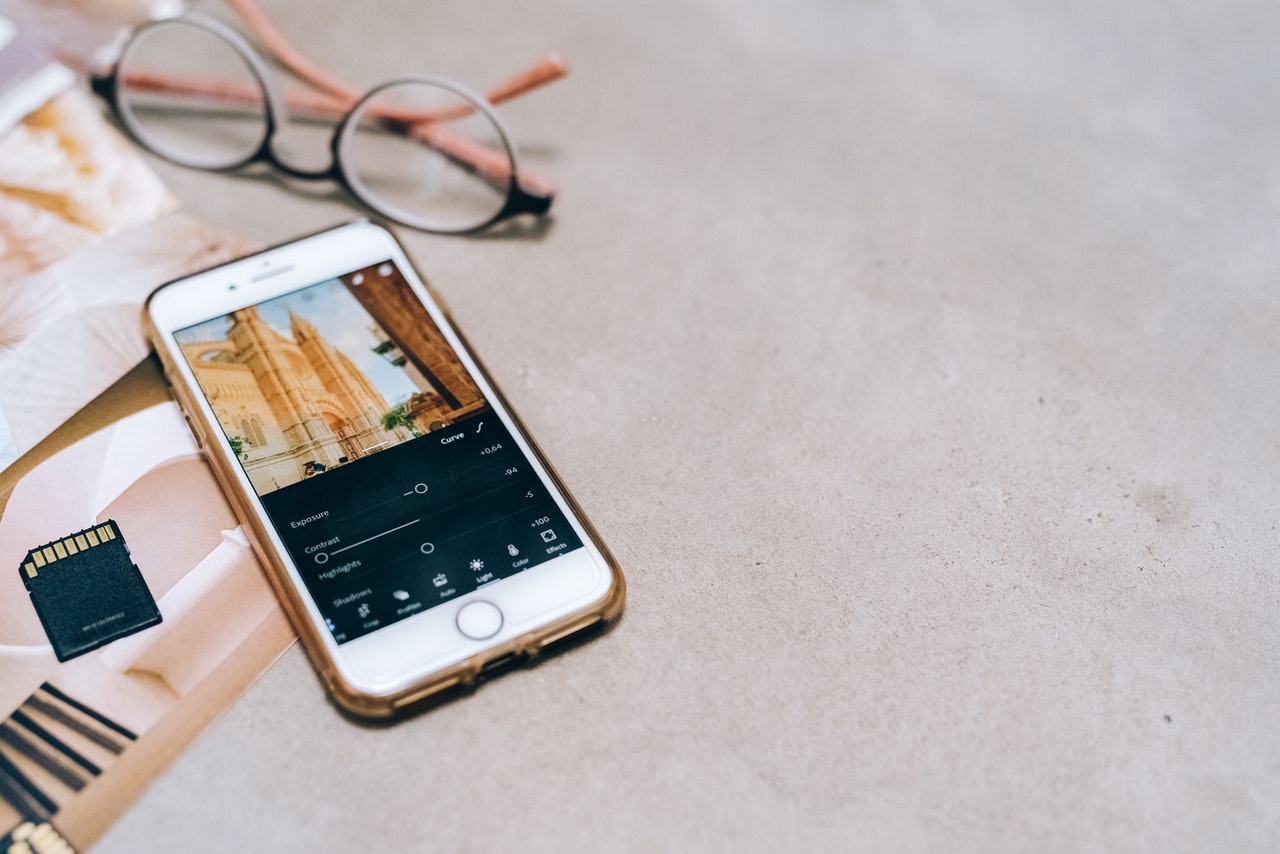
Until the introduction of cameras in phones, taking pictures has never been so easy. Today, it is common for the cameras built into our smartphones to be of comparable quality to the digital ones. However, sometimes it so happens that you need to improve certain elements of the photo. How to do it on the phone?
Currently, just a few clicks on the phone is able to completely change the photo. Often in the gallery itself we can easily edit a photo: crop it, straighten it, make a slight correction of brightness or color.
There are many applications available on the market, both paid and free, with which you can improve your photos on the phone. Popular ones are VSCO, Snapseed, Lightroom or Afterlight. You will also make interesting filters and basic corre ctions with the help of Instagram.